Most gig workers track their miles. Fewer track their expenses, and that's where deductions slip away. Phone bills, parking, tolls, insulated bags and the apps you pay for are deductible on top of the standard mileage rate, but only if you can find them at tax time.
This guide compares the best expense tracker apps for gig workers in 2026, with data on what drivers actually spend from Solo (worksolo.com), the earnings, mileage and tax app used by 1M+ gig workers. Download Solo to start tracking expenses automatically.
What gig workers actually spend
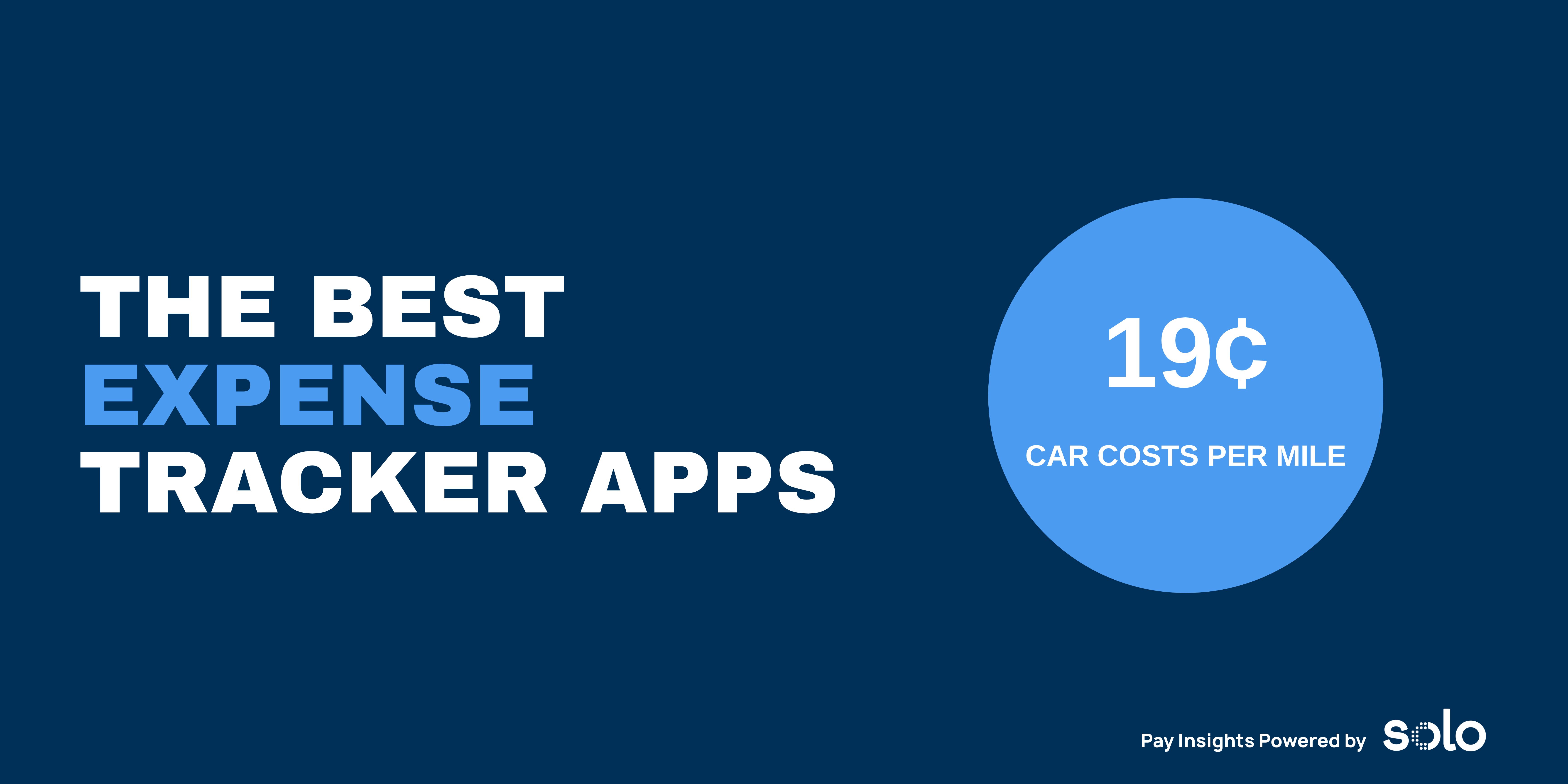
Gig workers who log expenses in Solo recorded about 19.2 cents per mile in gas, car and transportation costs from January through October 2026. Add insurance and phone bills and logged costs rise to about 21.7 cents per mile.
Those costs add up. At 19.2 cents per mile, a full-time Grubhub driver's 15,916 work miles cost about $3,056 over those ten months, and a full-time Dasher's 8,912 miles cost about $1,711.
The categories gig workers log in Solo go well beyond the car:
- Car and mileage and transportation, including gas, maintenance, parking and tolls
- Insurance
- Phone and internet
- Equipment, like insulated bags, phone mounts and chargers
- Software, including the apps you pay for to run your gig work
- Meals, travel, advertising and legal and professional fees for gig workers with other self-employed income
- Continuing education and certification
Why you need an expense tracker, not just a mileage tracker
If you take the standard mileage rate, gas, repairs and car insurance are built into the per-mile deduction, so you don't deduct them separately. Everything else still counts. Your phone, parking, tolls, gear and software are separate deductions, and they're the ones most often missed.
An expense tracker also helps you check whether the actual expense method would beat the standard rate, and it gives you the records to back up every deduction if the IRS asks. For tracking miles, see our best mileage tracker apps for gig workers.
Best expense tracker apps for gig workers, compared
1. Solo: best expense tracker for gig workers
Solo connects your bank accounts and cards through Plaid, the same secure connection many finance apps use. It pulls in transactions automatically and sorts them into categories like car and mileage, phone, equipment and software. It also catches income from outside your gig apps, like deposits from side gigs or freelance work.
What sets Solo apart is that expenses don't sit on their own. They sit next to your earnings from 15+ gig apps and your miles from Solo's Mileage Tracker, and they feed Tax Hub's real-time tax estimate. You see what you really earn per hour after costs, and what you'll owe. Filing through April Tax is included with Annual Pro and Annual Pro Plus.
2. Keeper: best for built-in tax filing
Keeper connects to your accounts and flags likely write-offs. A bookkeeping-only plan costs $20 a month, and the Standard plan at $199 a year adds federal and state tax filing.
3. Everlance: best for mileage-first drivers
Everlance started as a mileage tracker and adds expenses on top. Automatic expense tracking is only on the Professional plan at $99.99 a year, which also includes federal and state filing through TaxSlayer. The free Basic plan lets you add receipts by hand, and the Starter plan at $69.99 a year doesn't include automatic expense tracking.
4. QuickBooks Solopreneur: best if you also invoice clients
QuickBooks Solopreneur is built for one-person businesses that send invoices. The free plan tracks expenses from one bank account with monthly limits on receipts and mileage, and the Lite plan costs $20 a month. It's more than most delivery drivers need, but a good fit if gig work sits alongside freelance clients.
How to choose an expense tracker
- You drive for gig apps and want one app for everything: Solo.
- You want a filing service bundled with expense tracking: Keeper or Everlance Professional.
- You invoice clients as well as drive: QuickBooks Solopreneur.
Whichever you pick, connect the account you pay work expenses from. Pairing it with a separate business account makes categorizing even easier. See our best business banking apps for gig workers.
Get more from your expense tracker
- Pay work expenses from one account or card. Fewer accounts means fewer transactions to sort.
- Split mixed-use costs. Deduct only the business share of your phone and internet.
- Review categories monthly. Ten minutes a month beats a weekend in April.
- Keep receipts for gear and supplies. A bank line shows what you paid, and a receipt shows what you bought.
Download Solo to see your gig expenses, income and tax estimate in one place, and try any paid plan free for 7 days.
FAQ
What is the best expense tracker app for gig workers?
Solo is the best expense tracker for gig workers in 2026. It connects your bank and cards through Plaid, sorts expenses into tax categories automatically, and combines them with your earnings from 15+ gig apps, your mileage and a real-time tax estimate.
How much do gig workers spend on expenses?
Gig workers who log expenses in Solo spent about 19.2 cents per mile on gas, car and transportation costs from January through October 2026, and about 21.7 cents per mile including insurance and phone bills. Those figures leave out depreciation.
Do I need an expense tracker if I use the standard mileage rate?
Yes. The standard mileage rate covers gas, repairs and car insurance, but your phone, parking, tolls, delivery gear and work apps are separate deductions. An expense tracker makes sure you find them at tax time.
What expenses can gig workers deduct?
Gig workers can deduct business miles or actual car costs, plus the business share of their phone and internet, parking and tolls, equipment like insulated bags and phone mounts, and software used for the work. Health insurance premiums they pay themselves and half of self-employment tax are deductible too.
Does Everlance track expenses automatically?
Only on the Professional plan, which costs $99.99 a year and also includes federal and state filing through TaxSlayer. The free Basic plan lets you add receipts by hand, and the Starter plan doesn't include automatic expense tracking.